
PSDFAN (or rather I am) on Twitter
Yes… I know that everyone and their Mum is on Twitter these days, but for some reason I’ve held off from joining for a while now.
Yes… I know that everyone and their Mum is on Twitter these days, but for some reason I’ve held off from joining for a while now.

This tutorial covers the steps to turn yourself invisible. Take an ordinary photo and then create data that wasn’t in the original, to give a truly invisible result! Download the source file for this and all our other tutorials in our VIP Members Area.
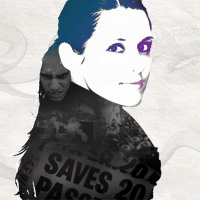
This tutorial will teach you how to take your photos and transform them into a high-contrast work of art. You’ll be creating a photo montage, using a combination of selection techniques and layer masking. Download the source file for this and all our other tutorials in our VIP Members Area.

Great news! PSDFAN has finally been relaunched, with a fresh new look and many improvements for the future.

I’ve had no internet, but the relaunch is coming extremely soon.


Do you know the basic tools in Photoshop but feel that your work is still looking average? Join our creative community at FanExtra and get the direction you need to take your work to the next level.

