
Blend Multiple Images Better With the Edging Technique
In today’s video lesson I show you the ‘edging technique’ which is a quick, but very effective way to improve the blending of multiple images in your Photoshop work.
In today’s video lesson I show you the ‘edging technique’ which is a quick, but very effective way to improve the blending of multiple images in your Photoshop work.

In this tutorial I’ll show you how to create a misty landscape matte painting with a dark castle. We’ll create a misty scene with the layered mountains and the light from afar. The main technique here is blending with adjustment layers, masking and brushes. There are something basic you should know about contrast, distance, intensity etc, and we’ll dive into all of those in today’s lesson!
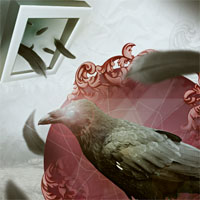
Learn how to design a surreal and ornate photo manipulation, through techniques such as blending, image extraction, lighting effects, masking, and non-destructive workflows. Download the source file for this and all our other tutorials in our FanExtra Members Area
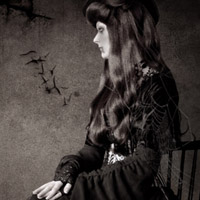
Create a dark photo manipulation, using retouching techniques, brush application, and a range of filters/textures. Download the source file for this and all our other tutorials in our FanExtra Members Area

Photo manipulate a super cute flying pig scene. Work with blending options, adjustment layers, masking, coloring/lighting techniques and warping/distortion methods. Download the source file for this and all our other tutorials in our FanExtra Members Area


Do you know the basic tools in Photoshop but feel that your work is still looking average? Join our creative community at FanExtra and get the direction you need to take your work to the next level.

